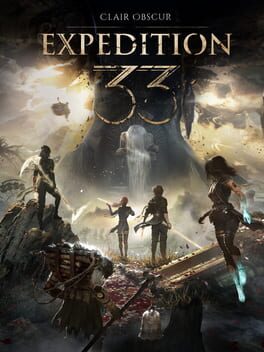
Clair Obscur: Expedition 33

Clair Obscur: Expedition 33 · Smart Profile

720p / Low Textures / FSR 3 Performance

Xbox Universal

With ZenDeck: in-game settings + device settings (TDP, resolution, GPU options).
With Smart Profiles: in-game settings only.

Profile Settings

Upscaling AMD FSR
In-game Resolution 720p
Frame Generation Off
Ray Tracing Off
ZenDeck AutoPilot TDP and GPU are managed automatically. Enable Hardware Control in ZenDeck.
Any power source

In-Game Settings

Read from the game’s own configuration file

Texture Quality Low
Object Detail Low
Shadow Quality Low
Reflection Quality Low
Effects Quality Low
Anti-Aliasing Low

Performance Report

No performance reports yet.
Be the first to report your results in the ZenDeck app.
→ How to contribute performance data

ZenDeck

One tap to apply.

Download ZenDeck All Clair Obscur: Expedition 33 profiles → How to apply a profile →